

How a fingerprint survives what the file cannot
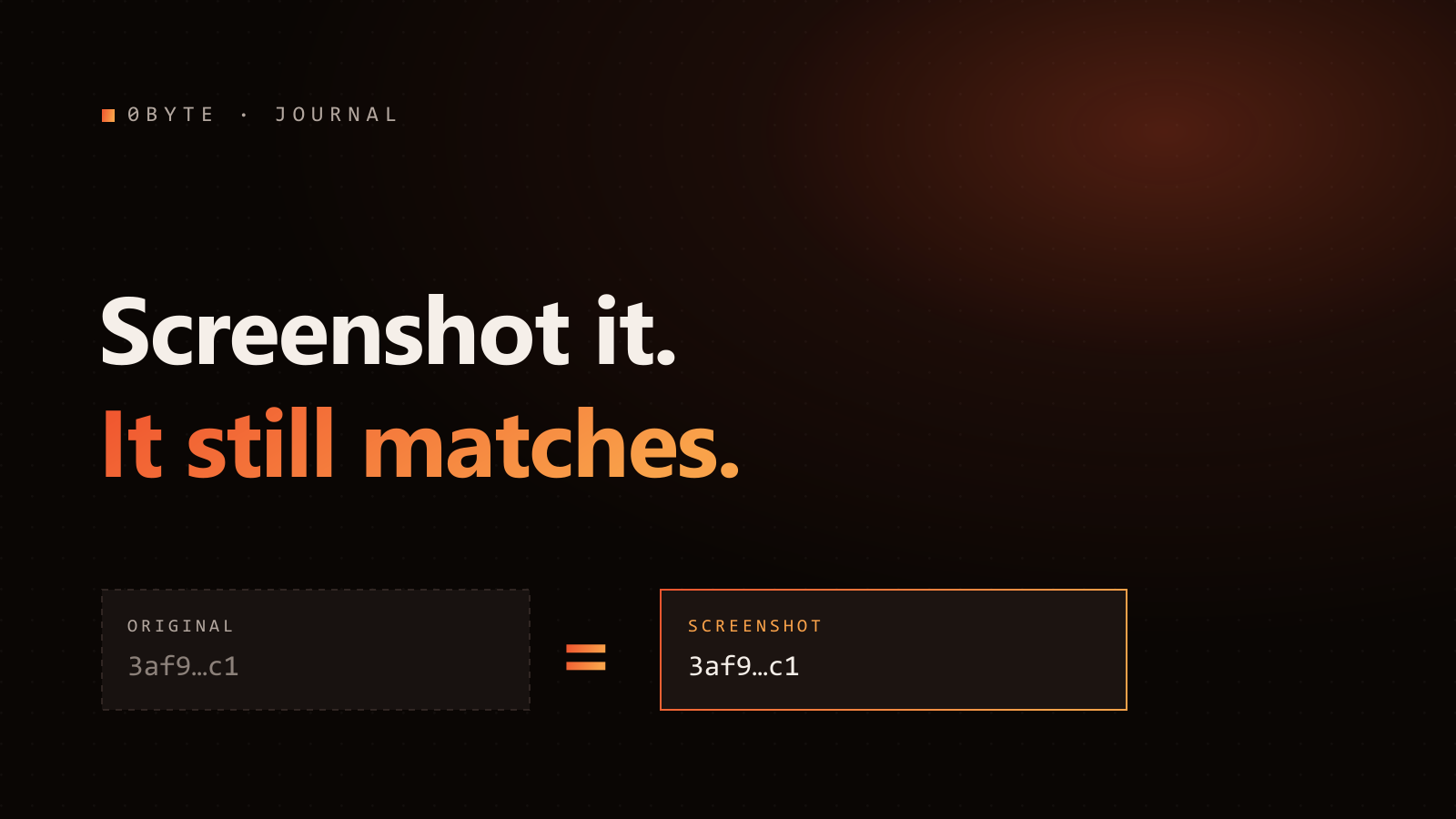
A screenshot changes every byte of an image while your eye sees the same picture. Perceptual fingerprinting is the trick that closes that gap — here is how it actually works.
On this page›
Save an image and, to your computer, it is one specific string of bytes. Change a single pixel, recompress it, or take a screenshot, and every byte shifts — even though your eye sees the exact same picture. That gap between same bytes and same picture is the whole challenge of tracing content across the internet. A perceptual fingerprint is how you close it.
Two kinds of hash, built for opposite jobs
Most people meet hashing through cryptographic hashes like SHA-256. Those are designed around the avalanche effect: flip one input bit and roughly half the output bits flip. That is exactly what you want for detecting tampering — but it makes cryptographic hashes useless for recognizing content. Re-save a JPEG at 90% quality and its SHA-256 is unrecognizably different, even though nothing about the image looks different.
A perceptual hash is engineered for the opposite behavior: a small visual change should cause a small change in the hash. Similar-looking images produce similar codes. That single property is what lets you ask "have I seen this picture before?" instead of only "are these two files byte-identical?"
How a perceptual hash is built
The classic construction — popularized in Neal Krawetz's much-cited "Looks Like It" write-up — is the DCT-based hash:
- Shrink the image to a small square and convert to grayscale. Fine detail and color are thrown away; overall structure remains.
- Apply a Discrete Cosine Transform (the same math JPEG uses) to move the image into the frequency domain.
- Keep the low-frequency coefficients — the broad light-and-dark structure — and discard the high-frequency detail.
- Threshold each kept coefficient against the median to get a string of bits, typically 64 bits.
The insight is in step 3. Compression, resizing, and screenshotting mostly perturb high-frequency detail — the stuff we just discarded. The low-frequency structure that defines what the image is survives, so the resulting code is stable across exactly the transforms the internet applies.
Measuring "close enough"
Two fingerprints are compared with Hamming distance — count the bit positions where they differ. Identical content scores 0; unrelated images sit near 32 (half of 64). You pick a threshold: below it, treat the content as the same. Krawetz observed that a distance of around 5 bits reliably indicates the same image; production systems tune this threshold to trade false positives against false negatives.
This is why a fingerprint match is a similarity statement, not a byte-equality statement — and why it can recognize a re-encoded crop that no exact hash ever could.
Why it survives the real internet
Walk through what actually happens to content once it leaves your servers, and check each transform against "does it preserve low-frequency structure?":
- JPEG recompression — perturbs high-frequency detail. Structure preserved. Match holds.
- Resize / rescale — the shrink step normalizes size anyway. Match holds.
- Screenshot — a re-rendered, re-compressed copy. Match holds.
- Format conversion (PNG → WebP → JPEG) — bytes change entirely; appearance doesn't. Match holds.
- Metadata stripping — irrelevant; the fingerprint was never stored in the file.
Contrast that with anything embedded in the file — a watermark or a metadata manifest — which lives precisely where re-encoding does its damage.
The scale problem, and how it is solved
There is a catch. If verifying a match meant comparing a query fingerprint against every one of billions of stored fingerprints, one bit-count at a time, lookups would be O(N) — hopeless at internet scale.
The fix is Multi-Index Hashing (Norouzi, Punjani, and Fleet). Split each 64-bit code into several segments — 0byte uses four 16-bit chunks — and build a separate hash table for each segment. The pigeonhole principle does the rest: if two codes differ by no more than the threshold, they must match exactly in at least one segment. So instead of scanning everything, you look up a handful of exact-match buckets and only compare the small set of candidates. The result is sub-linear search over enormous registries.
This is proven infrastructure, not a lab trick
Perceptual hashing has run at internet scale for over a decade. Microsoft's PhotoDNA has used it since 2009 to identify known abuse imagery across platforms, matching content even after resizing and re-encoding. The technique that lets a fingerprint recognize a mangled image is the same one already trusted for one of the highest-stakes matching problems on the web.
Where fingerprints stop — and what fills the gap
Honesty matters here. A perceptual hash is a similarity signal, not a cryptographic guarantee of identity. Aggressive edits, heavy crops that remove most of the frame, or deliberately adversarial perturbations can push a fingerprint past the threshold. And a fingerprint alone tells you two things look alike — not who made either one.
That is why 0byte does not stop at the fingerprint. The fingerprint answers "is this the registered content?" A cryptographic signature and a public log answer "and here is who registered it, and when — permanently." Together they turn a resemblance into a provable origin.
The file is a moving target. Its appearance is not. Fingerprinting bets on the thing that survives.
Further reading: "Looks Like It" — perceptual hashing explained (Neal Krawetz) · Fast Exact Search in Hamming Space with Multi-Index Hashing (Norouzi et al.) · Microsoft PhotoDNA · Hamming Distributions of Popular Perceptual Hashing Techniques
Want proof of origin on your own AI content?